Hyperbaric Chamber Service Records Guide
Track inspections, repairs, parts, testing, training, and return-to-service documentation.

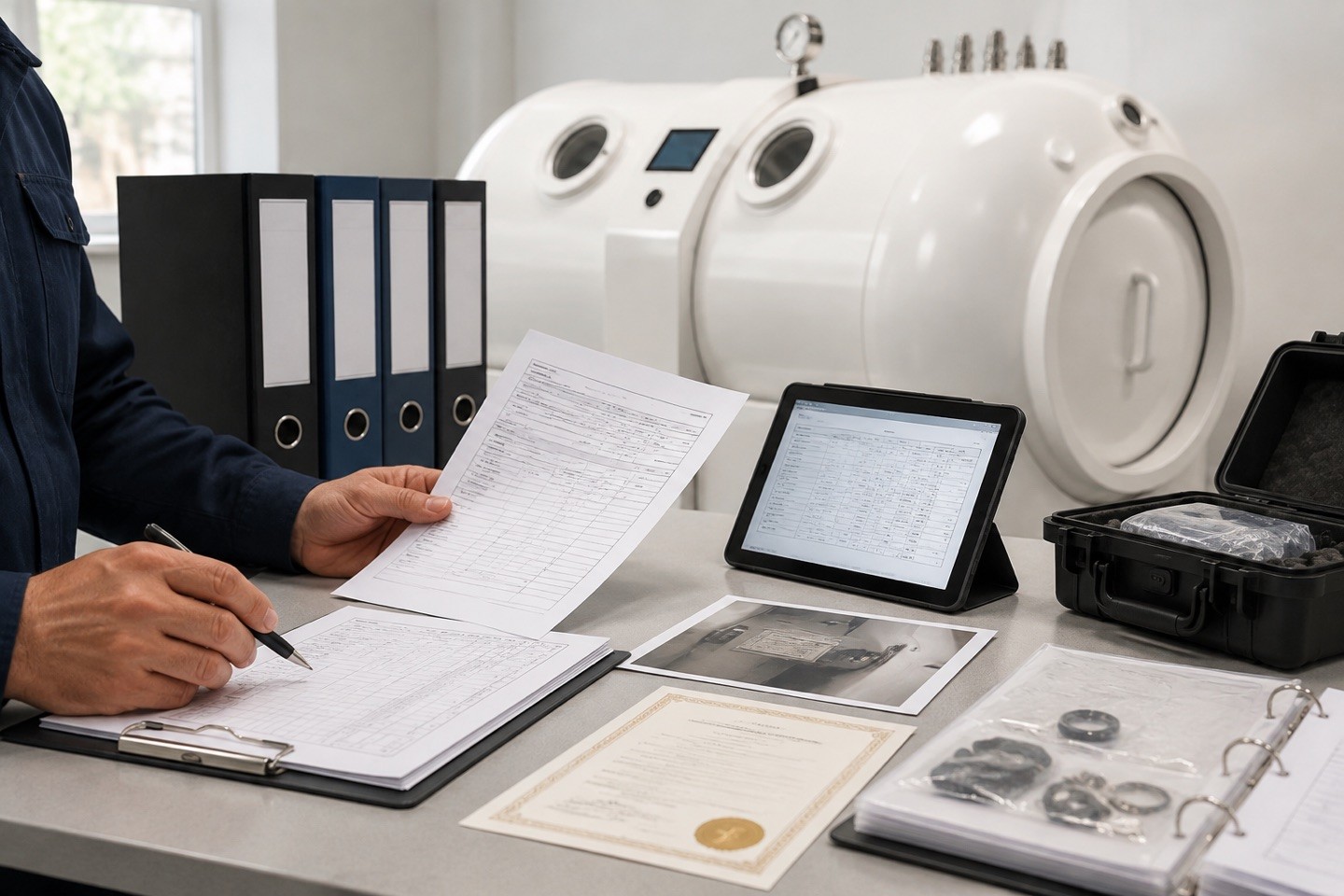





A useful service record is a working tool, not an archive. It connects the equipment’s identity with routine checks, scheduled service, repairs, testing, training, and return-to-service decisions so that operators, managers, and technical providers can understand the chamber’s history.
Equipment identity
Begin every record with the manufacturer, model, serial number, configuration, location, and relevant documentation version. This basic information prevents confusion when a facility has more than one unit, when names change over time, or when technical support needs to confirm exactly what equipment is being discussed.
Routine checks and scheduled service
Document routine observations, inspection dates, preventive service intervals, work completed, service provider, and any items that require follow-up. Link entries to the applicable instructions or procedures where appropriate. Consistency is more valuable than a one-time effort to produce detailed records.
Repairs, parts, and modifications
Record the reported condition, evaluation, repair scope, parts used, modifications, testing, and supporting documentation. Note who performed the work and what must occur before return to service. Accurate entries help future reviewers understand why a decision was made and what changed.
Training and procedural changes
Track relevant training, operating-procedure changes, and staff communications that relate to equipment use or service. Technical records and operating readiness are connected; a repair or modification may affect the information staff need to perform their roles appropriately.
Make the record usable
Keep records organized, current, searchable, and accessible to authorized people. Use a consistent format and ensure attachments are stored with the relevant entry. A usable record makes it easier to spot developing issues and prepare useful information for technical support.
Contact PMT Support when records indicate a developing issue.